
WARNING: The TrackAbout MetaWiki has been deprecated and is no longer being updated.
Please visit our new TrackAbout Knowledge Base at https://supportkb.trackabout.com for the most-up-to-date documentation on TrackAbout and TrackAbout Mobile.
Windows Mobile 6.5
Jump to navigation
Jump to search
Windows Mobile 6.5
Screenshots
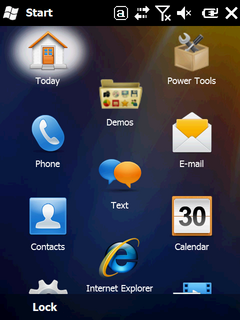
Start Screen from Honeywell Dolphin 9700
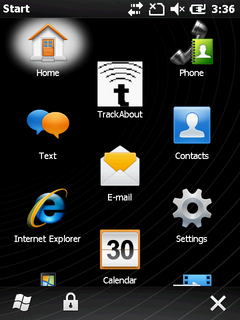
Start Screen from Motorola MC65
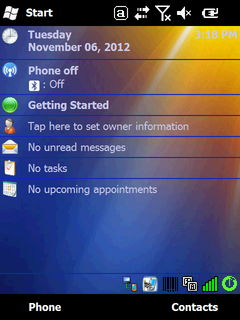
Today Screen from Honeywell Dolphin 9700
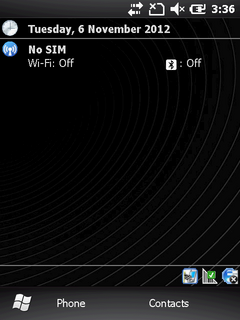
Home Screen from Motorola MC65


Versions
- Windows Mobile 6.5 Classic
- Windows Mobile 6.5 Professional
Sync Software
- ActiveSync 4.5
- Windows Mobile Device Center
Handhelds
- Honeywell Dolphin 9700
- Motorola ES400
- Motorola MC55
- Motorola MC65
- Motorola MC75
- Motorola MC3100
- Motorola MC3190
Frequent Features
Find OS Version
Start -> Settings -> System -> About -> Version
Set the Date and Time
Start -> Settings -> Clocks and Alarms
From the Home screen, touch the date to open the Clocks and Alarms screen
Set Handheld Name
Note: When setting a handheld name, make sure that it is meaningful for your organization, and that it matches any label that you affix to the outside of the handheld.
Start -> Settings -> System -> About -> Device ID
Lock Handheld
Start -> Settings -> Personal -> Lock